

Sales pipeline → Mailchimp
Connecting the sales pipeline to Mailchimp.
Making customer emails follow what is actually happening in the business.
The problem
Three tools.
One customer journey.
In my previous marketing role, I built an automated connection between the sales pipeline and Mailchimp using Zapier.
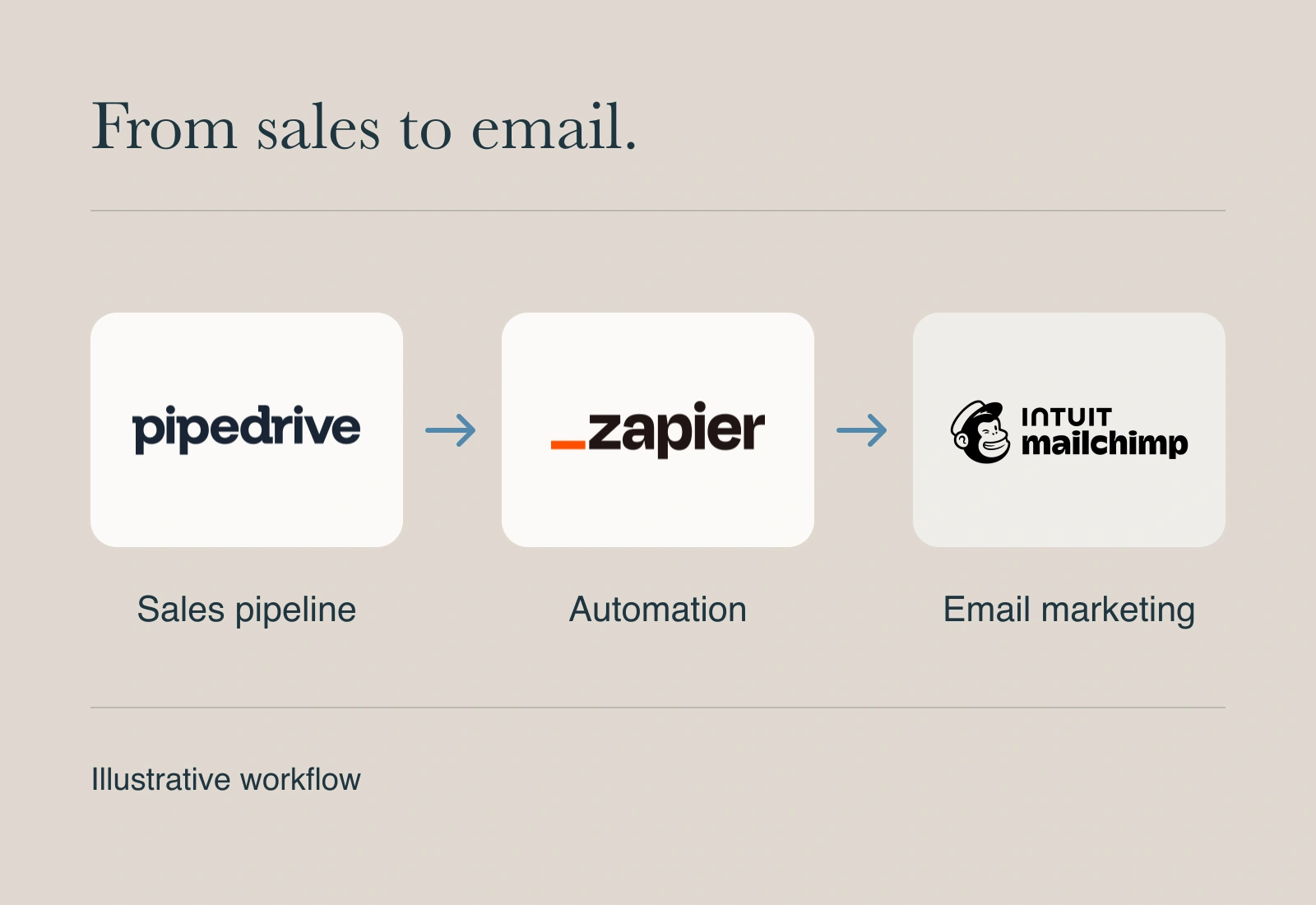
The task at hand
To build an automated connection between the sales pipeline and Mailchimp using Zapier, so a contact’s Mailchimp record would update automatically when they moved to a new pipeline stage. This would allow them to receive the right emails at the right time.
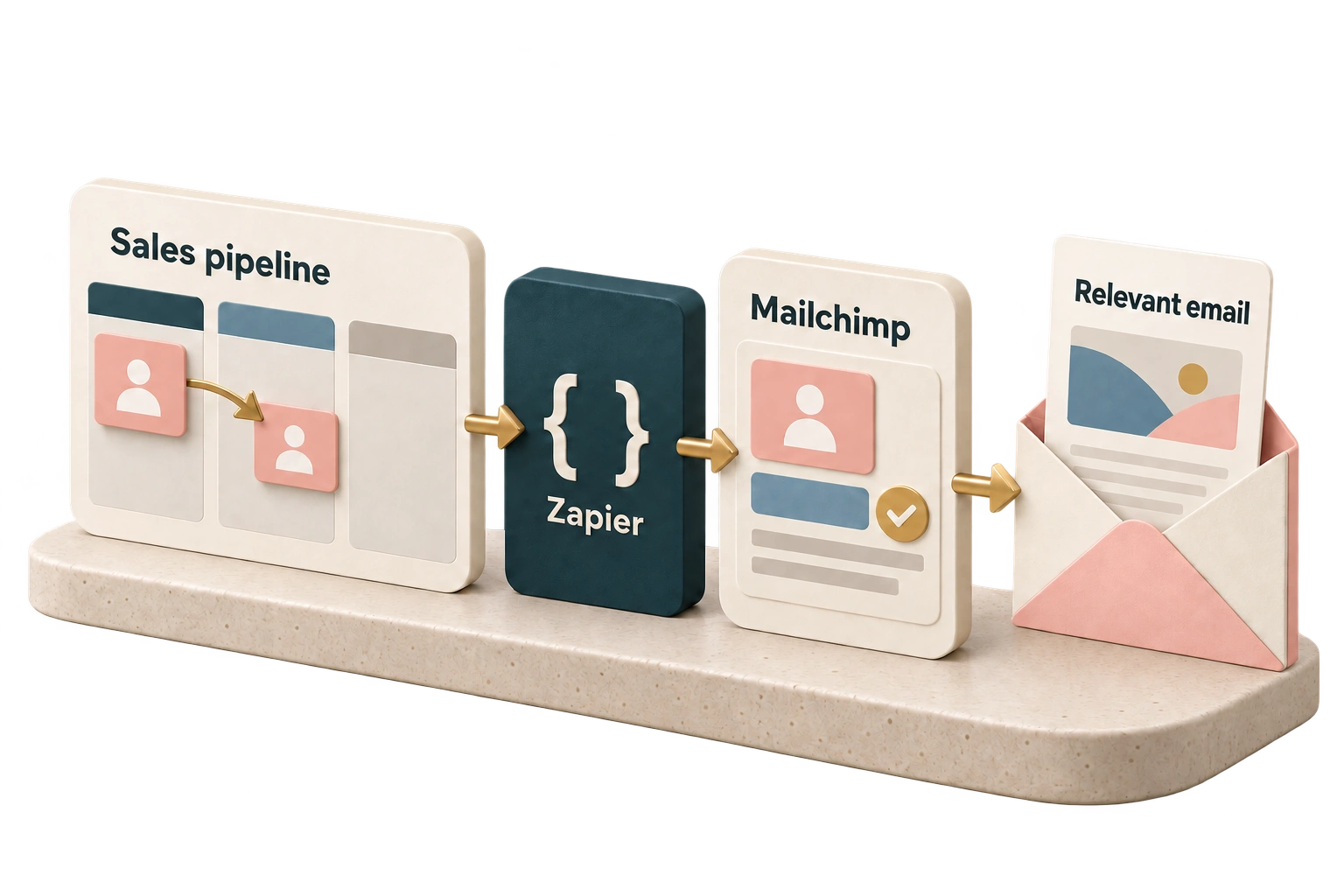
What it made possible
- Contact lists that stayed up to date without manual exports
- Emails tailored to where a customer was in the sales process
- Less admin for the sales and marketing team
- Supporting long gestation periods and new business development
Example emails
Follow-ups in practice.
Two emails from my previous in-house work: a project check-in and a follow-up after an online chat.
Scroll to read the full emails. Automatic scrolling pauses while you hover or interact with a preview.
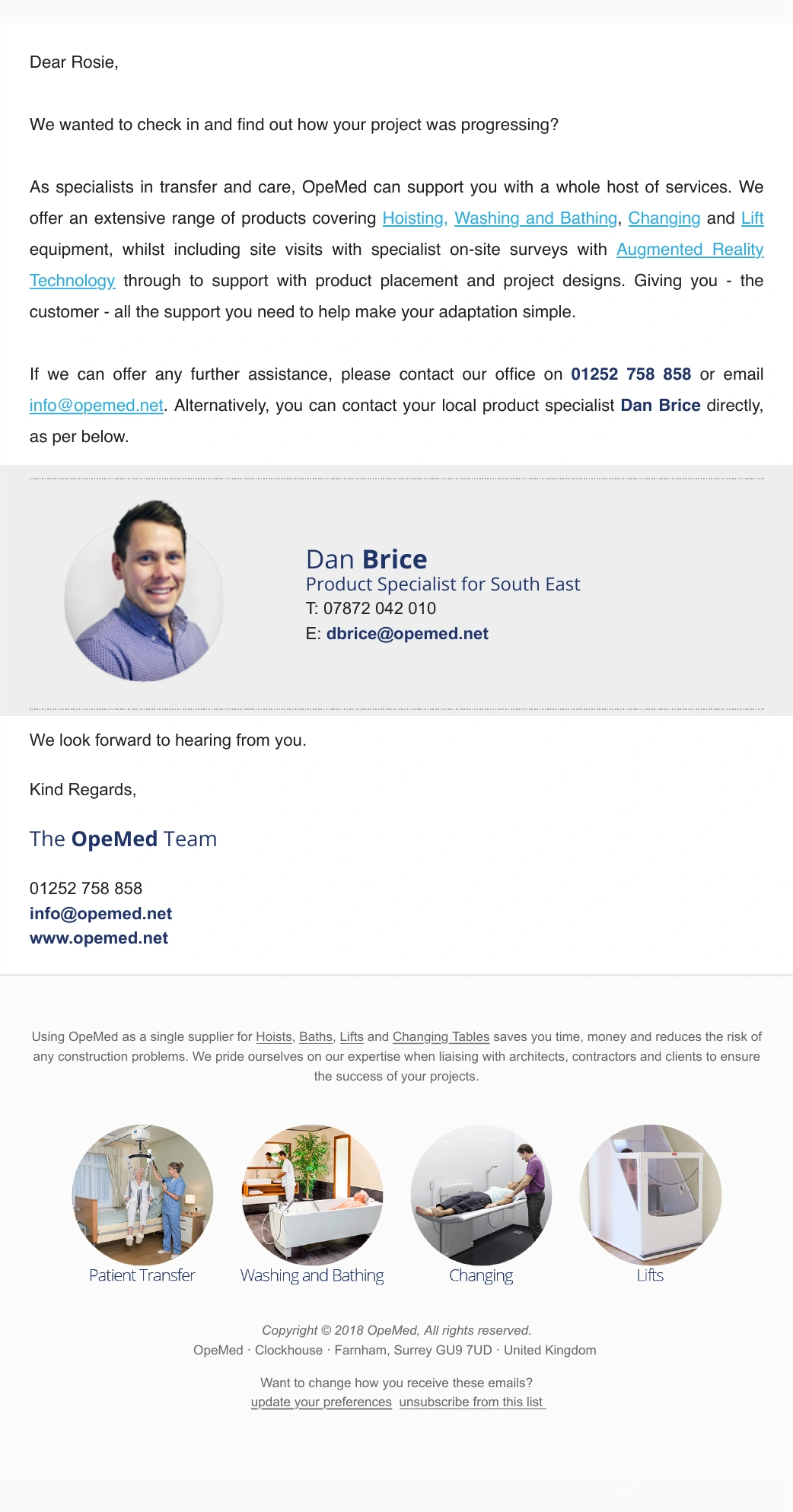
Project progress check-in
A follow-up asking how a project was progressing and offering further support.
Open full-size email →
Online chat follow-up
A check-in after an online chat, with a clear route to more information, a demonstration or a site visit.
Open full-size email →Full original emails, with recipient headers omitted. Historic contact information and footer links are shown as part of the artwork.
Why it matters for your business
Many small businesses already pay for good tools that don't work together. I can help connect them, or simply set them up so they're easier to use day to day.
It starts with a conversation
Tell me what you’re working on.
You don’t need a finished brief. Share what you have in mind and we can work through the next steps together.